The Maybe Versions of Life — A Introduction to Git (Version-Control)
We all carry maybes in our heads. Maybe I had studied harder. Maybe I had said yes. Maybe I had walked away. Each maybe feels like an alternate version of life. A branch of reality that could have existed. Now imagine if life had a tool to keep track of all these versions. Turns out, in the world of developers, there is such a tool. It’s called Git. Life as a Repository Think of your life as a giant repository (repo for short). It’s the central place where all your memories, decisions, and

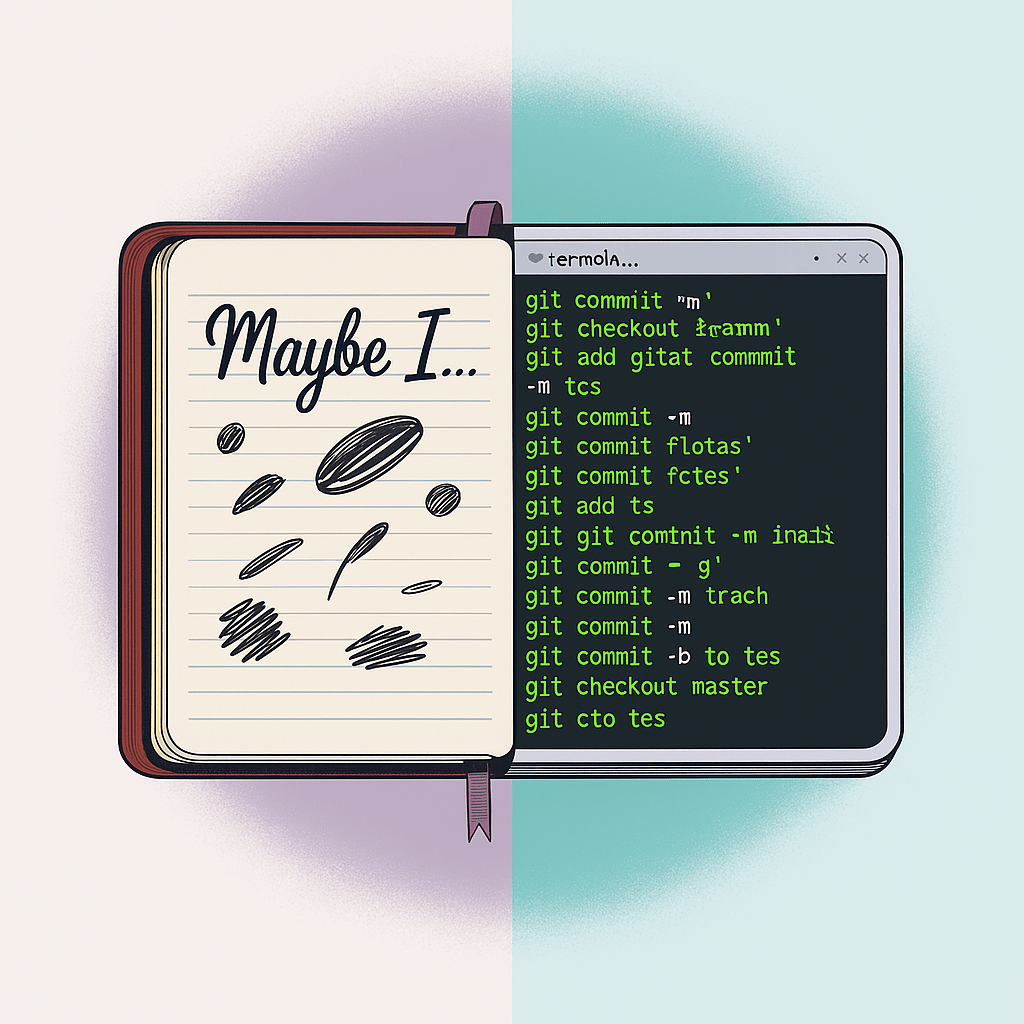
<span style="white-space: pre-wrap;">Generated by AI</span>
Published and syndicated from the Inovus Labs engineering publication by Amith Abey Stephen.
We all carry maybes in our heads.
Maybe I had studied harder.
Maybe I had said yes.
Maybe I had walked away.
Each maybe feels like an alternate version of life.
A branch of reality that could have existed.
Now imagine if life had a tool to keep track of all these versions.
Turns out, in the world of developers, there is such a tool.
It’s called Git.
Life as a Repository
Think of your life as a giant repository (repo for short).
It’s the central place where all your memories, decisions, and experiences are stored.
In Git, a repository is just that: a place to hold all versions of a project.
Whether it’s a website, an app, or even just notes — Git stores every step of the journey.
Commits: Snapshots of Moments
Every choice you make becomes a new snapshot of you.
That’s exactly what a commit is in Git: a frozen picture of the project at one point in time.
Example in life:
- When you learned to ride a cycle →
git commit -m "Added cycling skills" - When you broke something (and yourself) →
git commit -m "Introduced bug: heartbreak" - When you healed →
git commit -m "Patched bug: trust rebuilt"
Each commit has a message — a small note about what changed.
Branches: The World of Maybes
Here’s where the maybes fit in.
- Maybe I had chosen differently → that’s a new branch.
- Maybe I said yes instead of no → another branch.
In Git, a branch is just a parallel version of the project.
You can experiment there, make changes, break things — and your main work stays safe.
Merges: Learning From Maybes
In life, you can’t go back and live those maybes.
But you can merge what you learned from them into your current self.
In Git, when you like the changes in a branch, you merge them back into the main project.
All the experiments, mistakes, and fixes can become part of the stable version.
That’s how software grows — and how people grow too.
HEAD: Where You Are Right Now
In Git, there’s something called HEAD.
It’s just a pointer showing where you are at this moment.
The latest commit you’re standing on.
In life, HEAD is your now.
The current version of you, after all the commits, branches, and merges.
Rollbacks and Resets
Here’s a twist.
Git lets you actually go back to older commits.
You can rewind time in a project.
Life doesn’t.
But life does let you reset your mindset and start fresh.
Maybe not a full rollback, but close enough.
Let’s Try Git (Your First Repo)
Enough talk. Let’s see Git in action.
If you want to try:
- Install Git (from git-scm.com)
- Open your terminal (Command Prompt, PowerShell, or Linux/Mac Terminal).
Now run these steps:
# Step 1: Create a folder for your life project my-life
mkdircd my-life# Step 2: Initialize Git (make this folder a repo)
git init# Step 3: Add your first file > me.txt
echo "This is me, version 1.0"# Step 4: Save it (stage + commit)
git add me.txtgit commit -m "Initial commit: Added base self"
# Step 5: Try a new maybe (branch)
git checkout -b maybe-musicianecho "In this version, I learned guitar" >> me.txt
git add me.txtgit commit -m "Maybe: Became musician"
# Step 6: Go back to main life
git checkout main# Step 7: Merge the maybe into main
git merge maybe-musician
Congratulations 🎉
You just created your first repo, made commits, created a branch, and merged it back.
You’ve literally lived out the “maybe version” of yourself in Git.
Why Git Matters
Git isn’t just for coders.
It’s a way of thinking:
- Save progress (commits).
- Experiment without fear (branches).
- Learn and merge (merges).
- Always keep a history (logs).
Developers use Git to build everything from apps to rockets.
Because no one gets it right in one go.
Git remembers every step — the good, the bad, and the buggy.
Final Commit
So here’s the truth:
Life doesn’t give us git checkout maybe-life.
But Git does.
Maybe that’s why it feels so magical to those who use it.
It’s not just version control.
It’s a philosophy:
✨ Every version matters.
Enjoyed this reflection?
Read community comments, responses, and join the discussion directly on Inovus Labs.
Discuss on Inovus Labs Blog